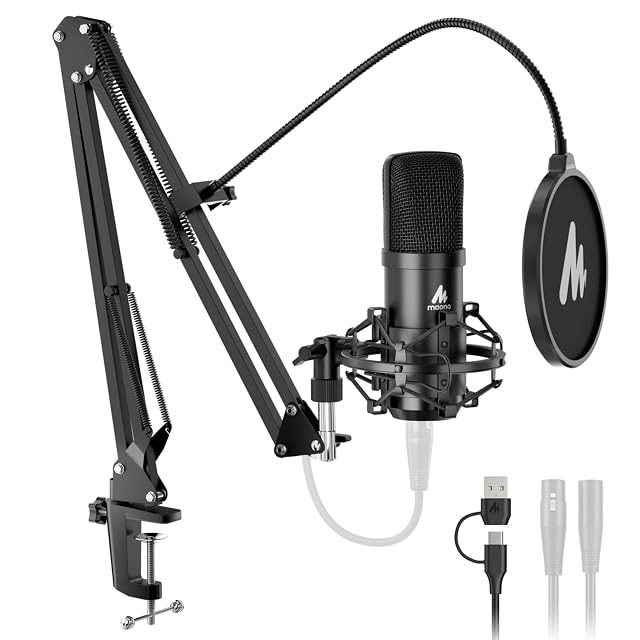
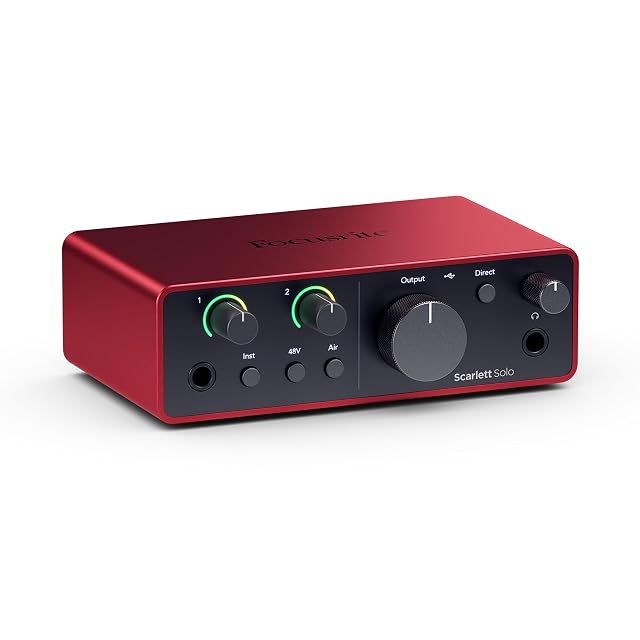
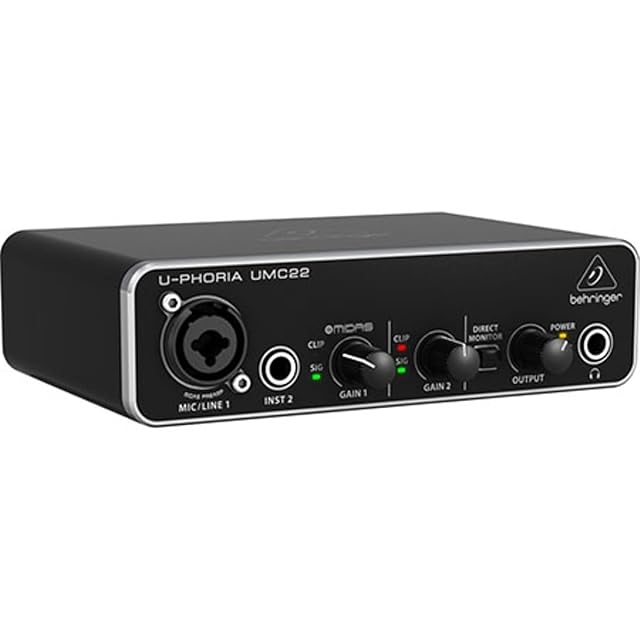
Check in this order
One: phantom power. The button marked 48V or P48 on the interface. This is the answer most of the time.
Two: the input. A microphone plugged into a line or instrument input will be silent or nearly so. Use the microphone input on a combo socket.
Three: the gain. At zero, a working chain produces nothing.
Four: the cable. XLR end to end. An XLR-to-jack adapter does not carry phantom power, so a condenser stays silent through one.
Five: the software. The interface has to be selected as the input device, and the track has to be armed.
The two-minute test
Plug headphones into the interface and turn on direct monitoring. If you hear yourself there but not in the software, the problem is the software. If you hear nothing at either point, it is one of the first four.
And read the manual for your unit
Voltage, polarity and phantom power behavior differ between models. The manufacturer’s figures take precedence over anything written here.
The questions players ask
What is phantom power?
A 48 V supply sent from the interface up the XLR cable to run a condenser microphone’s electronics. Dynamic microphones do not need it; most condensers do not work without it.
Can phantom power damage a microphone?
It is safe for most microphones and not for every one — some ribbon microphones in particular. Check the manual for your specific model before switching it on.
Last reviewed 2026-08-18