Skip to content

Lowering latency on Windows

Latency is the reason people conclude they cannot play in time with a recording. It is a driver problem, not a talent problem.

Use the manufacturer’s driver

On Windows, install the driver the interface maker supplies rather than relying on the operating system’s generic one. This single step is the difference between usable and unusable round-trip latency.

Then set the buffer

A smaller buffer means less delay and more strain; too small produces clicks and dropouts. Start in the middle, reduce until it crackles, then go back one step.

Or sidestep it entirely

Direct monitoring on the interface lets you hear yourself with no delay at all, regardless of the buffer. Record with it on and the delay stops being your problem.

What not to do

Do not compensate by playing early. The recording is time-aligned by the software; what you hear late was recorded on time.

The questions players ask

What is direct monitoring?

Hearing your input straight from the interface rather than after a round trip through the computer. It removes the delay entirely for the performer, and every interface on this site has it.

Does a faster computer fix latency?

Only partly. The dominant factor is the driver and the buffer size, not the processor. A generic driver on a fast machine still produces audible delay.

Last reviewed 2026-08-18
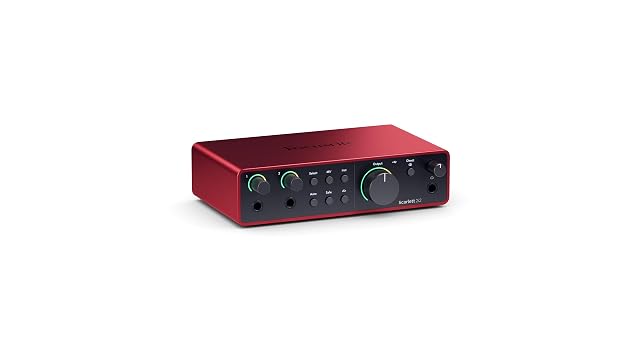
The gear this assumes

Everything above works with what you already own. These are the products we would reach for, and each links to the full review rather than straight to a shop.

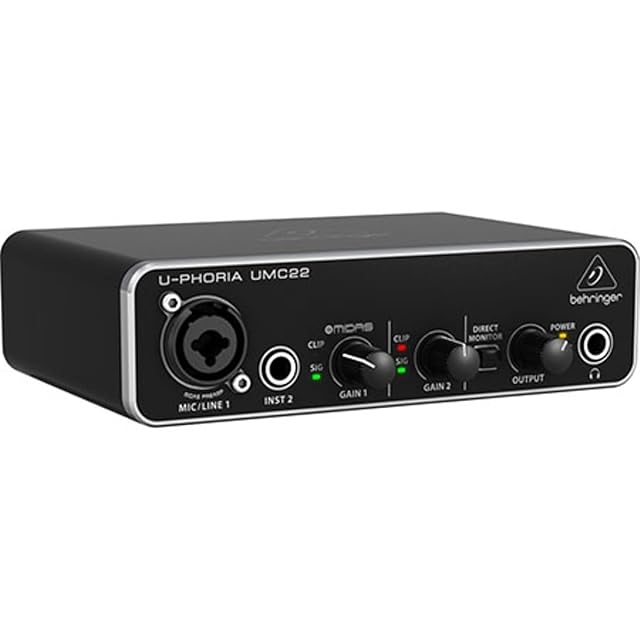
  • Behringer UMC22

    2×2 · Midas preamp · 48 kHz · USB powered

    The cheapest honest way into recording: one XLR/TRS combo input with a Midas-designed preamp, a separate instrument input, direct monitoring and USB power. Forty-eight kilohertz, and no pretense beyond it.

    Best for: A first interface for one voice or one instrument at a time.

    7.2/10

    ≈ $53

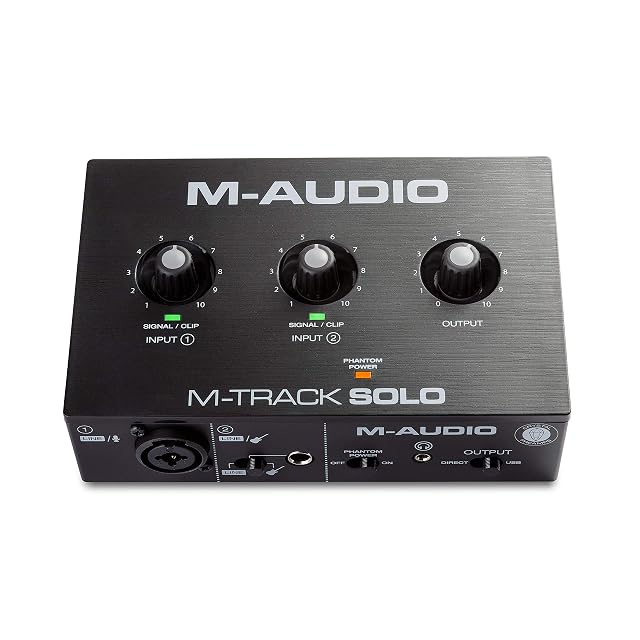
  • M-Audio M-Track Solo

    48 kHz · combo XLR/line · RCA outputs · USB powered

    A compact 48 kHz interface with a combo XLR input carrying phantom power, a separate line/instrument input, RCA outputs and a USB/Direct switch for latency-free monitoring.

    Best for: A desktop setup feeding powered speakers through RCA rather than through balanced jacks.

    7.2/10

    ≈ $49

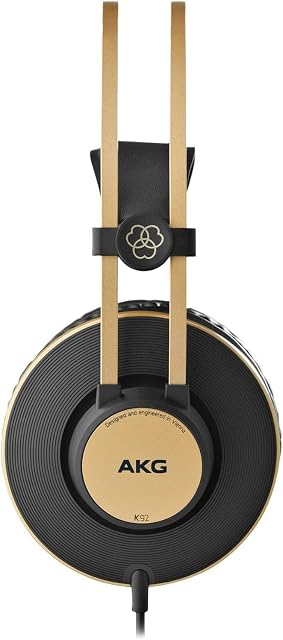
  • AKG K92

    Closed back · 40 mm (1.57 in) drivers · low impedance

    The cheapest way into closed-back monitoring here. AKG states 40 mm (1.57 in) drivers, a low impedance chosen so phones and interfaces can drive it, and replaceable earpads at a price where that is unusual.

    Best for: A second pair, a practice pair, or a first pair on a strict budget.

    7.2/10

    ≈ $70